Published specifications for Oli
- Height
- 165 cmManufacturer standing height.
- Mass
- At most 55 kgIncludes battery.
- Actuated joints
- 33 including grippers31 body DOF plus two one-DOF grippers.
- Battery runtime
- About 1.5 hCurrent EDU table estimate; workload unspecified.
- Handling load
- 3 kg per armMaximum single-arm load; posture conditions not supplied.
- Reported speed
- 5 km/hMaximum moving speed from the EDU table.
Hardware and components
- Power
- 9,500 mAh slide-out battery.
- Compute
- RK3588 motion controller and Orin NX 16 GB for perception.
- Sensing
- Six-axis IMU; camera and LiDAR fitment depends on the configuration table.
Control and operating conditions
LimX lists high-level and low-level motion APIs, sensor interfaces and an open SDK for joint commands, body state, sensor data and task orchestration, including teleoperation and imitation-learning workflows.
Ordering and access
The product page offers a purchase inquiry. A current price for this EDU configuration is not established here.
Manufacturer and development
LimX Dynamics was founded in Shenzhen in January 2022. Its hardware and whole-body control work includes LimX COSA and earlier P1 and CL-1 platforms.
Questions specific to LimX Dynamics Oli
What configuration should a research order identify?
Specify the exact end effectors, joint map, camera and LiDAR part numbers, drivers, supported OS and software release. The SDK listing does not establish a preinstalled perception policy.
LimX Oli: Complete Beginner's Guide to Buying, Starting and Programming the Humanoid Robot
Manufacturer information checked November 17, 2026. This guide distinguishes available operating functions from research experiments.

1. What is LimX Oli?
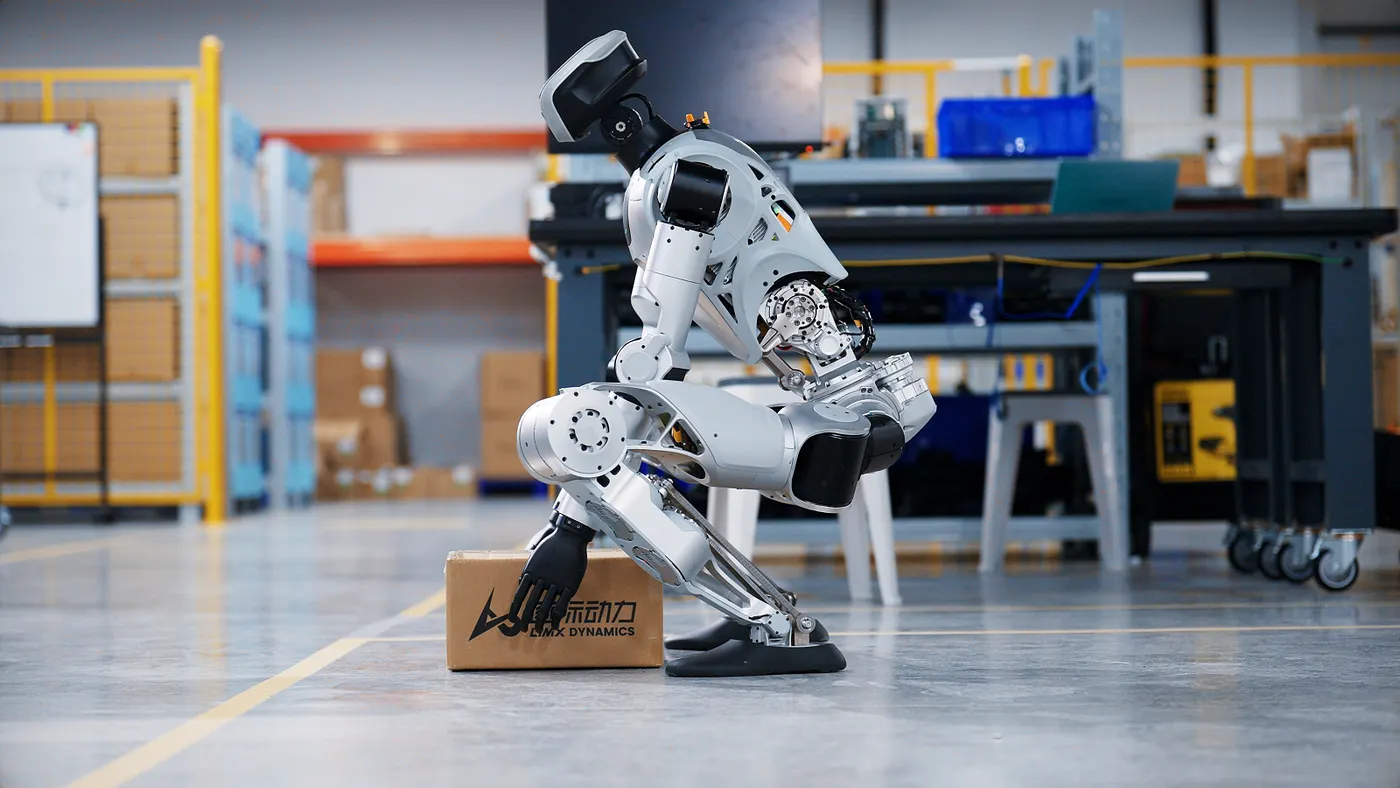
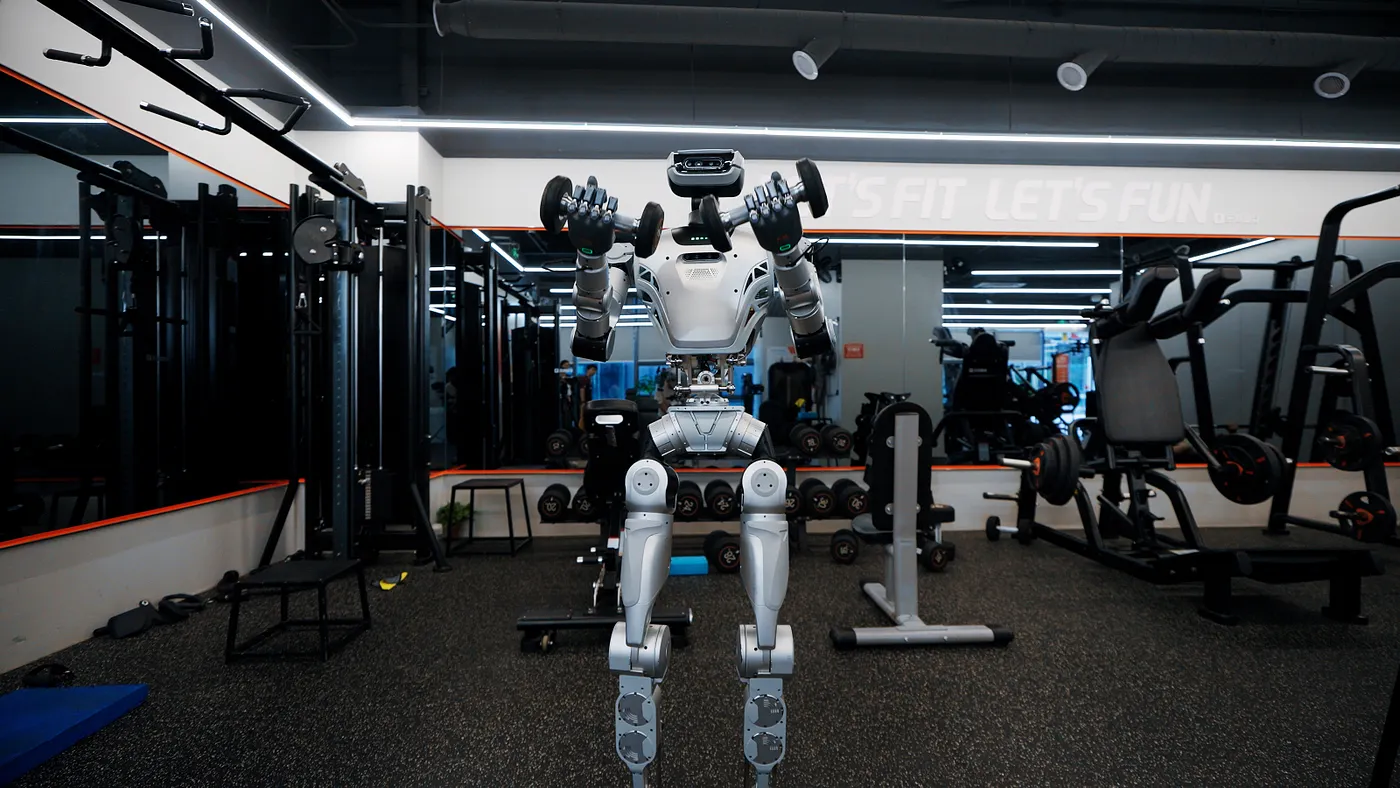
LimX Oli is a bipedal humanoid robot developed by the Chinese company LimX Dynamics. It was officially introduced on July 30, 2025. At 1.65 metres tall, its modular hardware and software architecture is designed for robotics and AI research.
It provides a platform for bipedal walking, object manipulation, teleoperation, reinforcement learning, visual recognition, voice interaction, motion programming and training artificial intelligence models. Oli has a developer SDK and public simulation tools.
2. Who created LimX Oli?

Dr. Wei Zhang founded LimX Dynamics in January 2022 in Shenzhen, China. His team develops legged robots and motion-control systems for humanoid robotics.
The company also develops TRON 1, TRON 2, CL-1 and Luna. The founder portrait comes from the Southern University of Science and Technology faculty profile.
3. Technical specifications
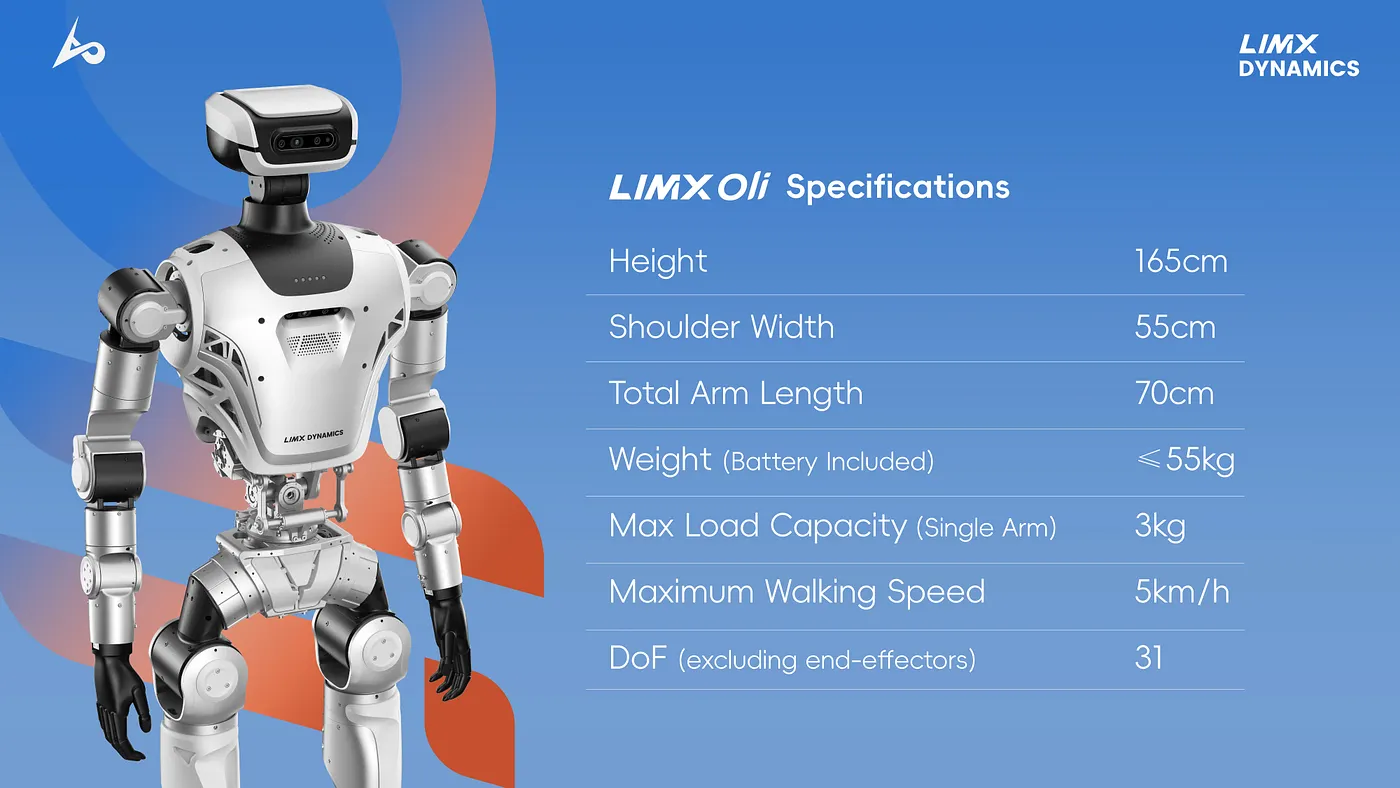
| Specification | LimX Oli EDU |
|---|---|
| Height | 165 cm |
| Maximum weight (battery included) | 55 kg |
| Shoulder width | 55 cm |
| Arm length | 70 cm |
| Body degrees of freedom | 31 |
| Announced maximum movement speed | 5 km/h |
| Payload per arm | 3 kg |
| Maximum motor torque | 150 Nm |
| Battery | 9,500 mAh |
| Runtime | About 1.5–2 hours depending on conditions |
| Communication | Wi-Fi 6, Bluetooth and Ethernet |
| End effectors | Grippers or optional articulated hands |
| Announced warranty | 12 months |
The EDU manual gives approximately 1.5 hours of battery life. The general product materials cite around 2 hours under test conditions. Confirm the delivered configuration and warranty terms with the manufacturer.
4. Joint architecture
Functional diagram, not a physical rendering of the robot.
Six joints in each leg, seven in each arm, three in the waist and two in the neck give Oli 31 body degrees of freedom. Its two standard one-DoF motorized grippers bring the total to 33. Optional six-DoF five-finger hands are also available.
5. How much does LimX Oli cost?
The launch price was for the series, not a confirmed current EDU price. The final cost depends on the configuration, accessories, shipping, import duties and taxes. Ask LimX Dynamics to confirm availability and the total delivered cost in your country, including Morocco.
6. How to buy and order Oli
- Go to the official LimX Dynamics Oli product page.
- Select Buy Now.
- Enter your contact details.
- Specify the destination country.
- Request the EDU edition and choose the required accessories.
- Receive a quote from the manufacturer.
- Confirm delivery, training and warranty conditions before payment.
Manufacturer website: www.limxdynamics.com/en/products/oli. Order inquiry: www.limxdynamics.com/en/order.
Sales email: bd@limxdynamics.com. Sales WhatsApp: +86 180 2538 4639.
7. What equipment do you need?
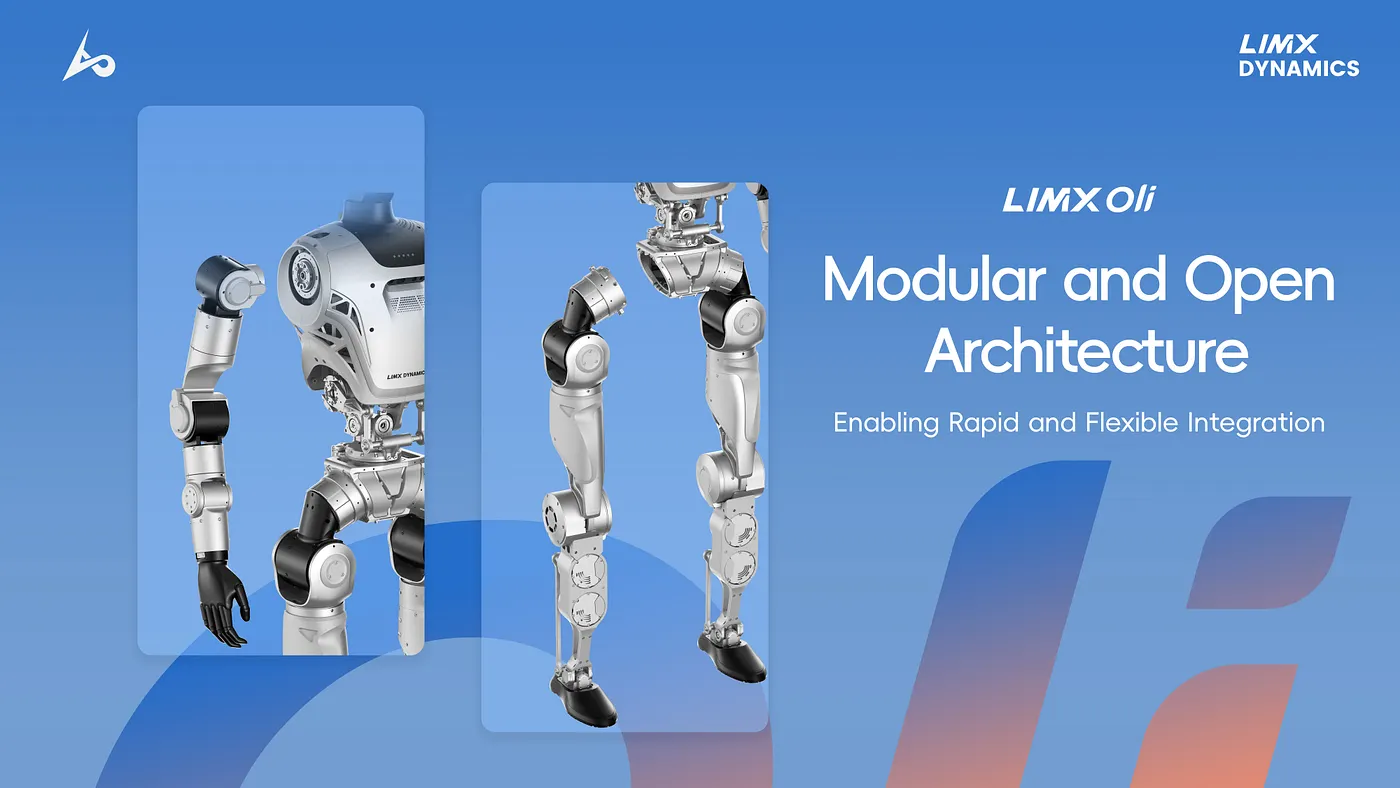
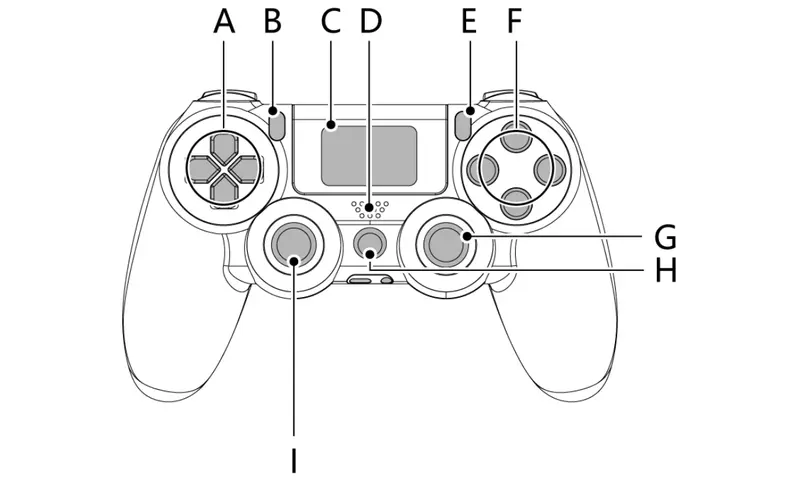
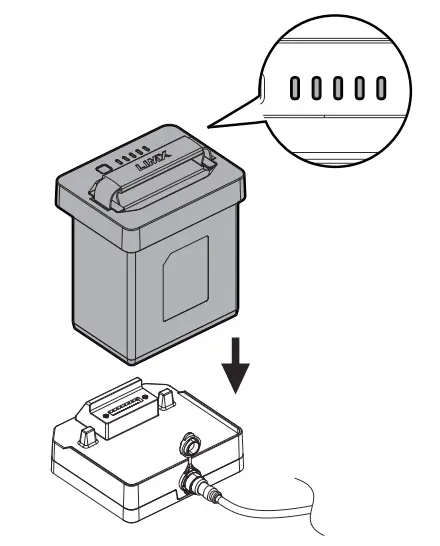

Also prepare a Linux development computer, the official charger, an Ethernet cable, Wi-Fi access, an emergency stop device and a secured test space. Confirm which items are included or optional before buying.
8. How to start LimX Oli
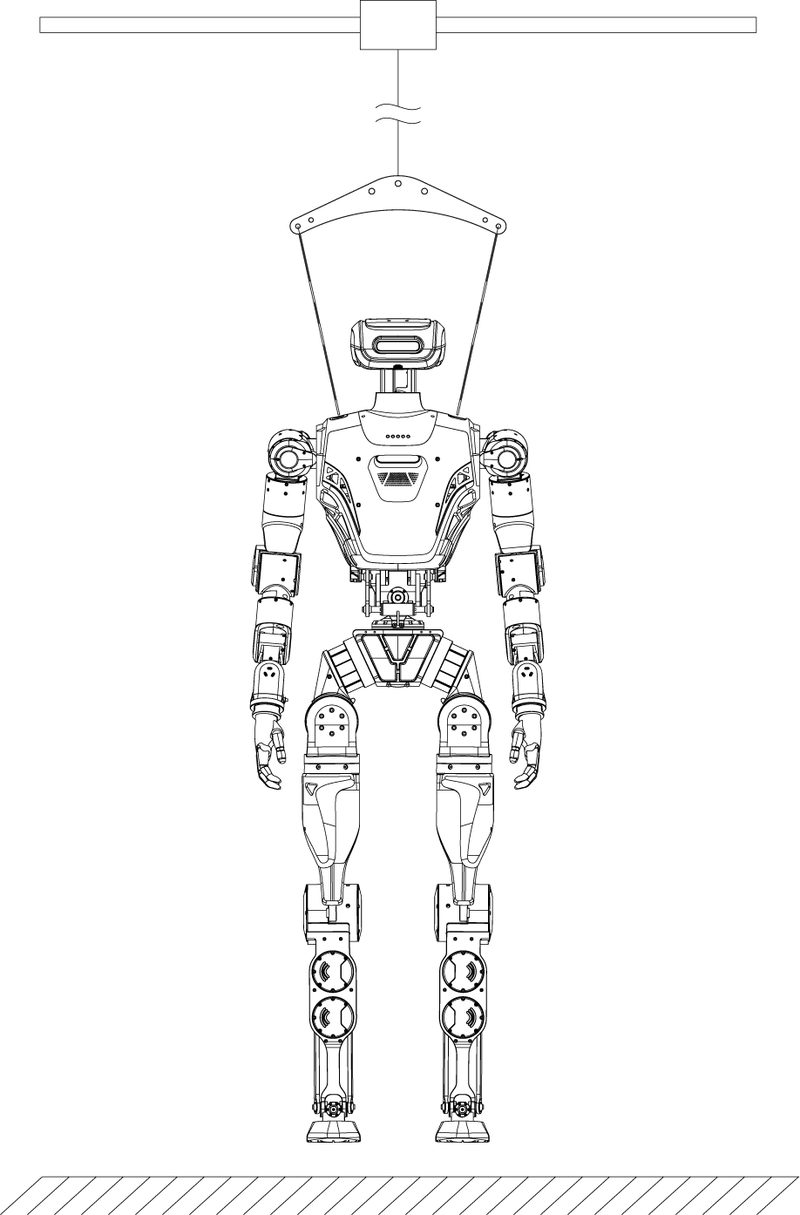
The first startup should use the manufacturer-approved suspension arrangement. Keep the operating area clear and follow the manual for the installed firmware.
- Secure the robot on its suspension frame
- Check the battery
- Power on
- Check status indicator
- Select damping mode
- Select standing mode
- Lower the robot gradually
- Manual control
- Secure Oli so its feet hang at least 15 cm above the floor.
- Press and release the power button briefly.
- Press and hold it for two seconds.
- Wait for a steady white chest indicator.
- Use
R1 + Leftto enter damping mode. - Use
L2 + △to select standing position. - Gradually lower the robot following the official procedure.
The user manual specifies a minimum 1 m safety radius for normal operation and 2 m clearance when using the emergency stop. Keep children and bystanders clear, avoid touching joints during operation and do not remove support until the manufacturer procedure permits it. A torque-cut emergency stop may cause the robot to fall. If an error appears, stop and consult the manual.
9. How to make LimX Oli walk

Once Oli is stable, the official remote can command its direction of movement. Use a level, clear floor and remain within sight of the robot.
Simplified control mapping; consult the official remote manual.
| Control | Motion |
|---|---|
| Left stick forward | Move forward |
| Left stick backward | Move backward |
| Left stick sideways | Move laterally |
| Right stick sideways | Turn in place |
| Hold R1 | March in place |
10. How to program walking
The official SDK documents request_prepare, request_set_walk_mode and request_set_walk_vel.
Here is a Python example that generates a walking-command message without transmitting it:
import json
import uuid
import time

message = {
    "accid": "YOUR_ROBOT_ID",
    "title": "request_set_walk_vel",
    "timestamp": int(time.time() * 1000),
    "guid": uuid.uuid4().hex,
    "data": {
        "x": 0.1,
        "y": 0.0,
        "yaw": 0.0
    }
}

print(json.dumps(message))
The x, y and yaw values are normalized command ratios between -1 and 1. They are not velocities in metres per second. This code only prepares the message. Sending it to the physical robot requires the official SDK connection, a compatible firmware version, the appropriate control mode and a secured test environment.
11. How to make LimX Oli run
Its announced maximum movement speed is 5 km/h. A dedicated running command is not established in the Oli EDU documentation consulted for this guide. A true running gait would require a controller to handle stance phases, aerial phases, ground contact forces, dynamic balance and mechanical joint limits.
To develop such a gait, train and evaluate a locomotion policy in simulation, then obtain manufacturer guidance before attempting physical tests. Do not exceed supported operating limits.
12. How to make LimX Oli dance

Oli includes a library of preset movements. To access choreography on compatible remote firmware:
- Put the robot in standing position.
- Press OPTIONS.
- Open the action or dance library with the right direction key.
- Choose choreography using the up and down keys.
- Press SHARE to start the selected motion.
| SDK command | Function |
|---|---|
request_enter_dance_mode | Enter dance mode |
request_get_dance_list | Retrieve available dances |
request_dance | Execute the selected dance |
The manual also documents voice interaction through a long press of R2 and custom action sequences through L2 + R1. Available dances depend on the installed software and action library. Keep the test area clear during movements.
13. How to create your own choreography
- Capture human motion
- Retarget joint movements
- Apply to the digital Oli model
- Run physics simulation
- Check balance and joint limits
- If validated: supervised deployment
Motion retargeting converts human movement into joint poses compatible with the robot. GMR (General Motion Retargeting) supports the Oli EDU model and can be used for research. When a motion fails validation, revise the retargeting and repeat the simulation before considering deployment.
14. Which software should you use?
| Software | Purpose |
|---|---|
| MuJoCo | Physics simulation and movement validation |
| NVIDIA Isaac Lab | Reinforcement learning for locomotion policies |
| ROS 2 Humble | Communication between software components |
| Python and C++ | Application and control development |
| ONNX Runtime | Run trained control models |
15. How to install the Oli simulator
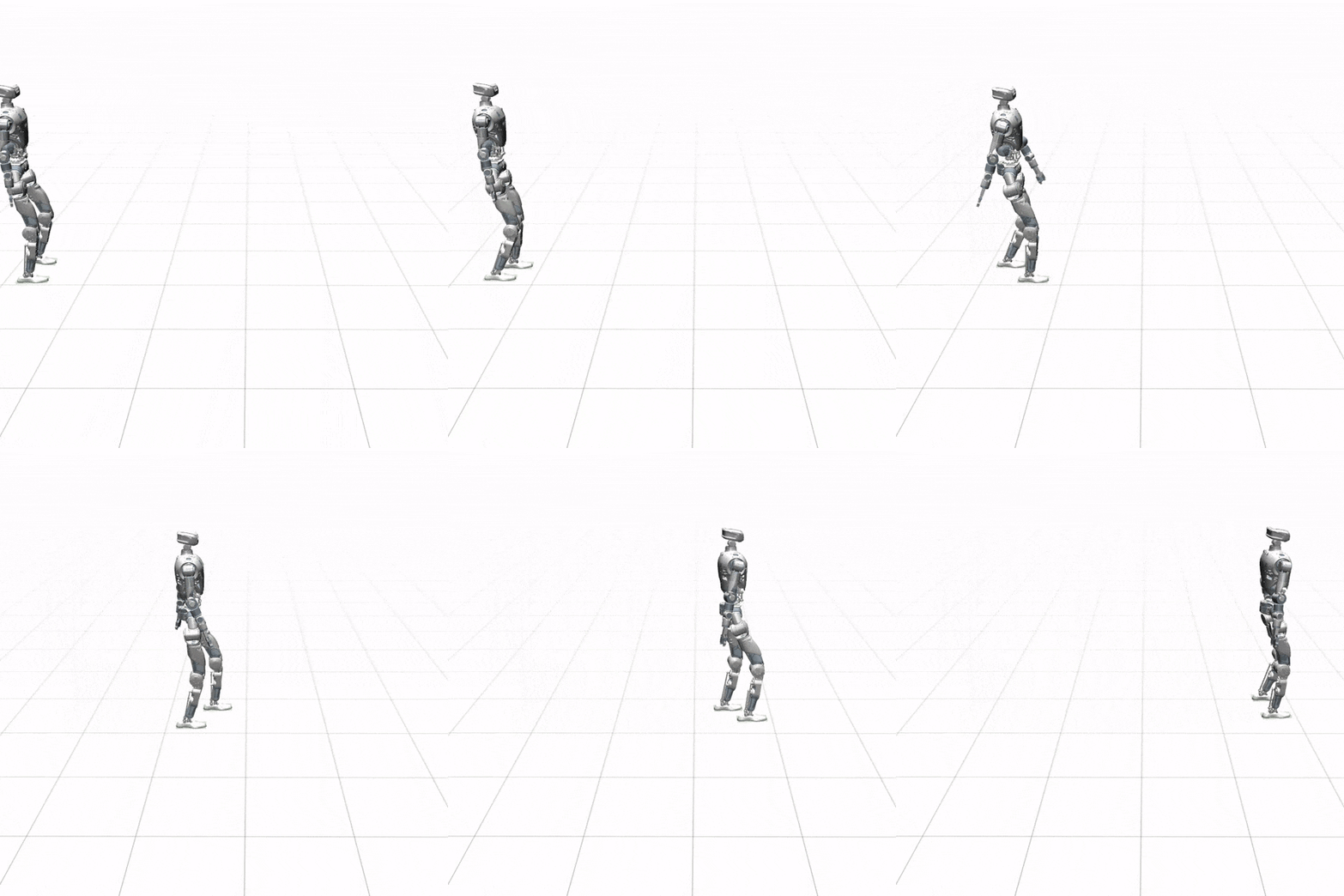
You can begin development without buying a physical robot. On a Linux x86-64 computer with Python 3.8 or later:
git clone --recurse-submodules https://github.com/limxdynamics/humanoid-mujoco-sim.git
cd humanoid-mujoco-sim

python -m venv .venv
source .venv/bin/activate

pip install -r requirements.txt
pip install limxsdk-lowlevel/python3/amd64/limxsdk-*.whl

export ROBOT_TYPE=HU_D04_01
python simulator.py
The Oli model appears in MuJoCo. The simulator itself does not include a motion controller. Run a compatible controller alongside it to make the virtual robot stand and move.
On Windows, a compatible Linux environment such as WSL2 may be suitable if it supports the necessary graphics and dependencies.
16. How to train Oli to walk with AI
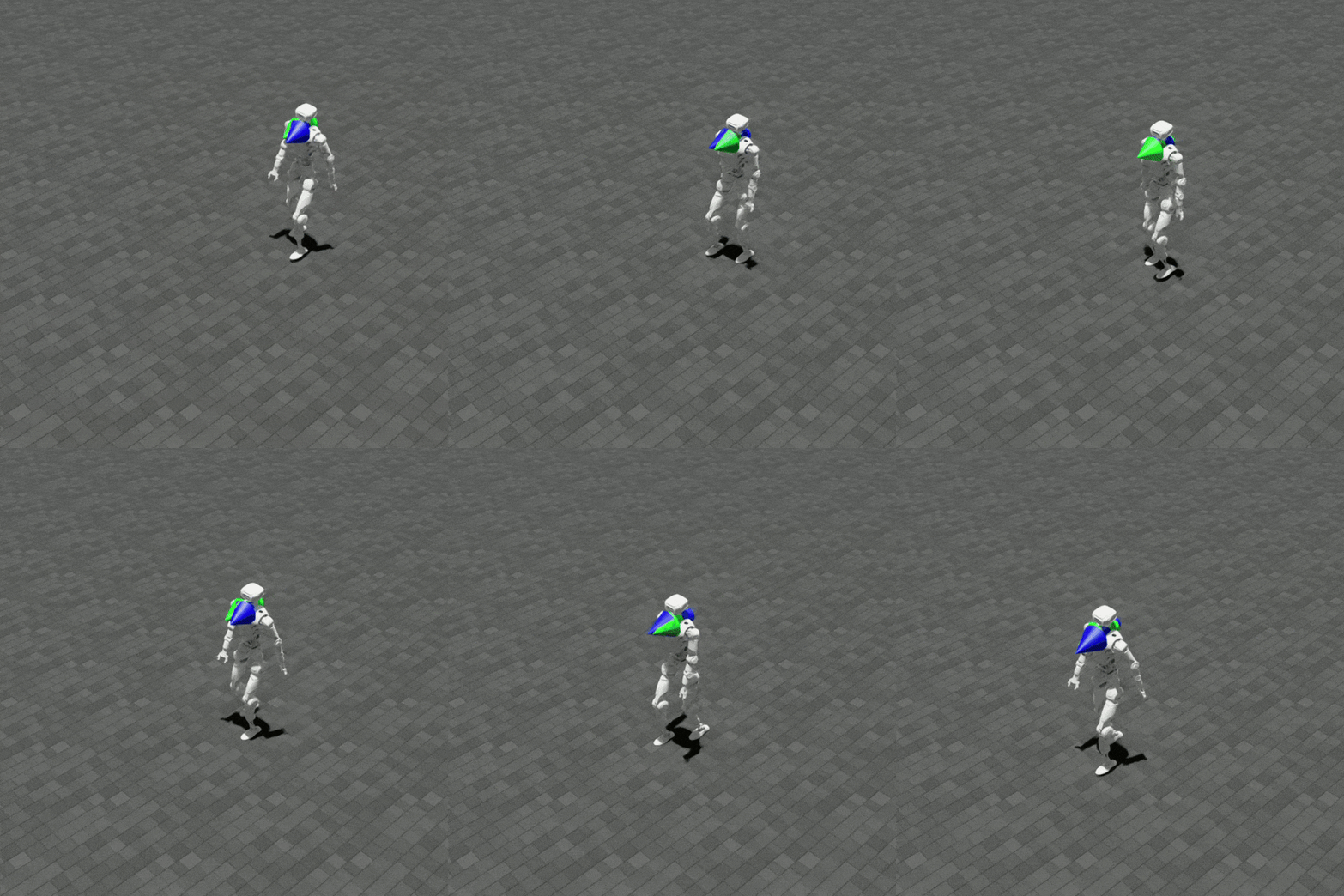
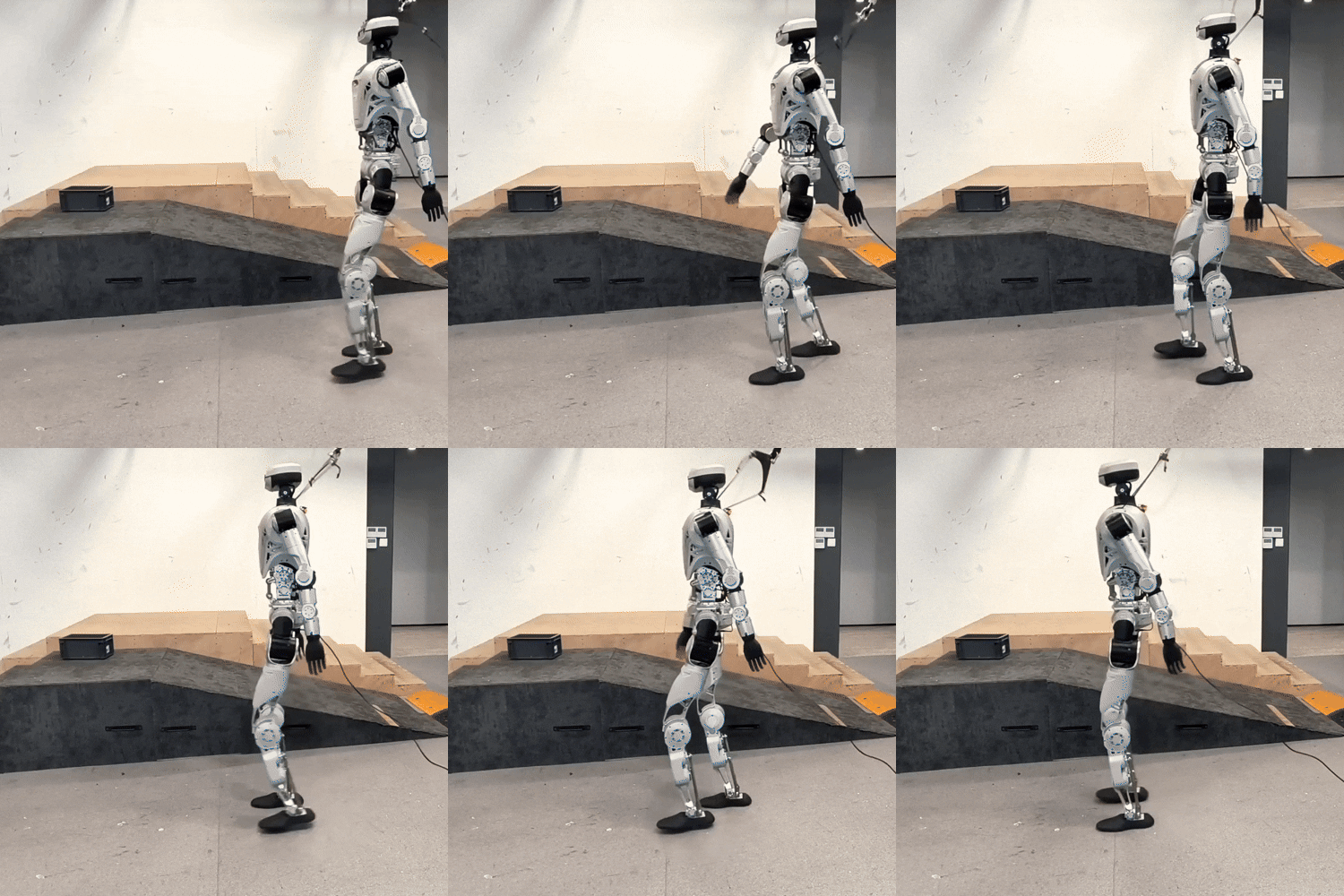
LimX Dynamics provides a reinforcement learning environment based on Isaac Lab. Install the official prerequisites first, including the compatible Isaac Sim and Isaac Lab versions specified in the repository.
git clone https://github.com/limxdynamics/humanoid-rl-isaaclab.git
cd humanoid-rl-isaaclab
pip install -r requirements.txt

git clone https://github.com/limxdynamics/humanoid-description.git

python scripts/rsl_rl/train.py --headless --task LimX-Oli-31dof-Velocity
By default, the official environment trains in 4,096 parallel simulation environments. The trained model can be exported to ONNX format.
- Isaac Lab
- Reinforcement learning
- ONNX model
- MuJoCo validation
- Supervised physical trials
17. Electronic and AI architecture
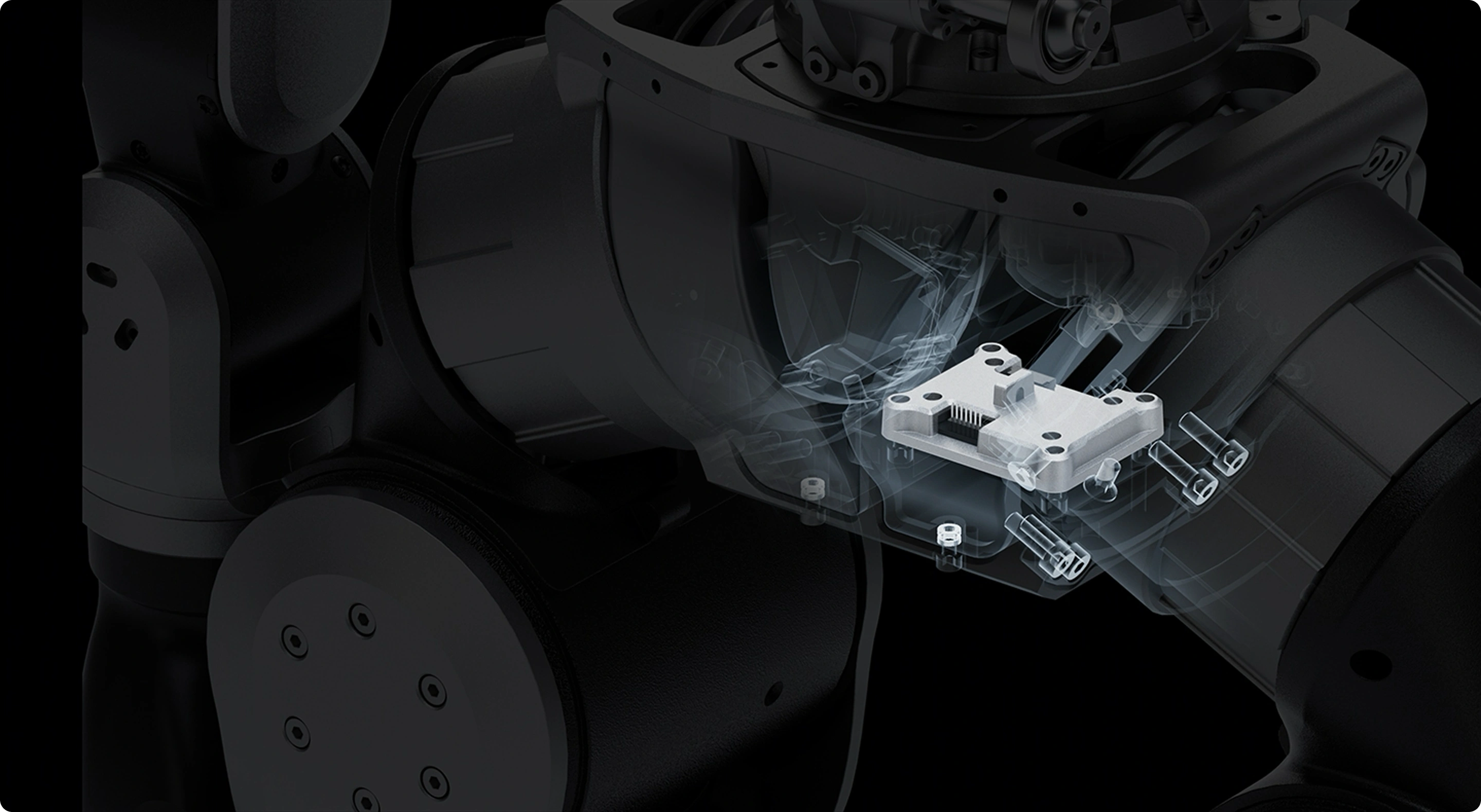
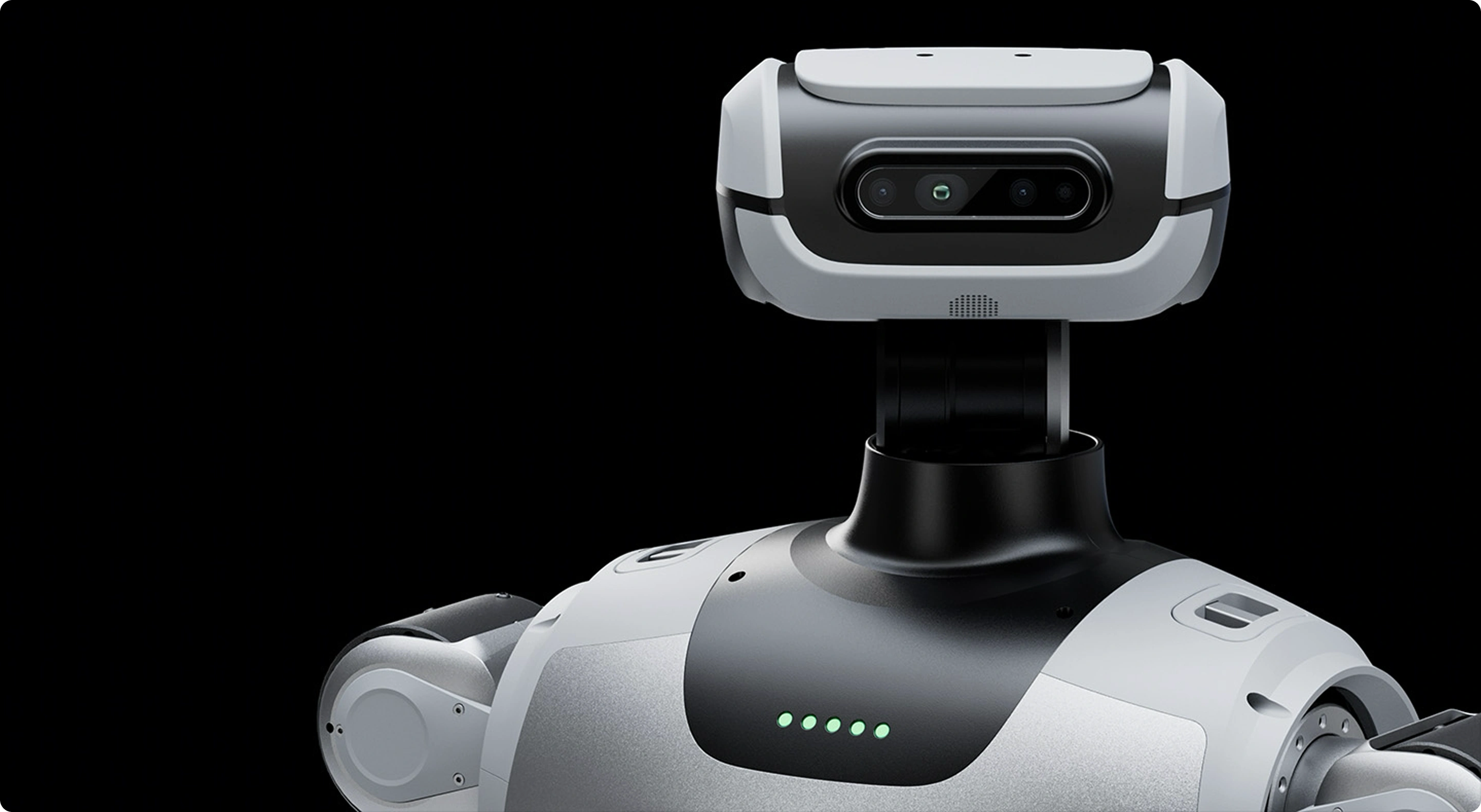
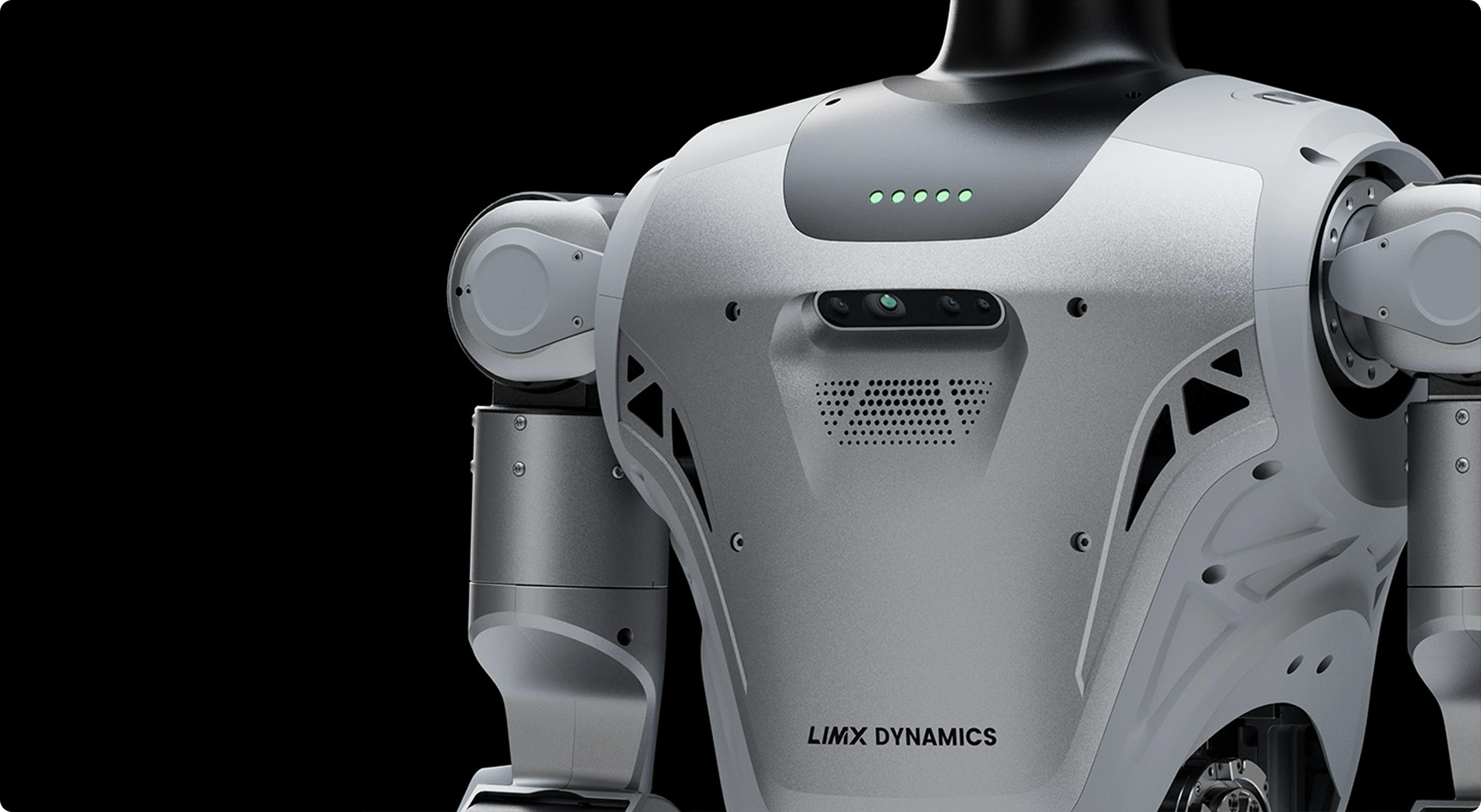
Depending on configuration, Oli uses RK3588 and NVIDIA Jetson Orin NX computers, depth cameras and an inertial measurement unit. EDU lists a Jetson Orin NX 16 GB development computer with 157 TOPS and separate RK3588 motion control hardware. Camera options and peripherals vary with configuration.
- Onboard computer
- Control policy
- Motor controllers
- 31 body joints
Joint measurements feed back to the controller.
The system measures the robot state, calculates the required movement and sends commands to the actuators.
18. Which AI system does Oli use?
LimX Dynamics introduced COSA in January 2026. It combines research on movement and manipulation with reasoning and planning. The availability of COSA on a given Oli unit depends on its version and software package.
19. Official GitHub repositories
| Repository (LimX Dynamics) | Purpose |
|---|---|
| humanoid-description github.com/limxdynamics/humanoid-description | Robot digital models |
| humanoid-mujoco-sim github.com/limxdynamics/humanoid-mujoco-sim | Simulation |
| humanoid-rl-isaaclab github.com/limxdynamics/humanoid-rl-isaaclab | RL training |
| humanoid-rl-deploy-python github.com/limxdynamics/humanoid-rl-deploy-python | Python deployment |
| humanoid-rl-deploy-cpp github.com/limxdynamics/humanoid-rl-deploy-cpp | C++ deployment |
| humanoid-rl-deploy-ros2 github.com/limxdynamics/humanoid-rl-deploy-ros2 | ROS 2 integration |
20. Official documentation
LimX Dynamics EDU user manual (V1.4): www.limxdynamics.com/en/documents/823924477418147840
SDK development guide: www.limxdynamics.com/zh/documents/823930550015365120
Technical specifications: www.limxdynamics.com/en/products/oli/spec
Additional manufacturer sources: Oli launch announcement (July 30, 2025), the LimX Oli FAQ, the company leadership announcement (November 7, 2023), the COSA announcement (January 2026) and the official GitHub documentation.
MuJoCo simulation is the most accessible starting point for learning to program Oli before investing in the physical robot.