TECHNIAHQROBOT / INDEPENDENT ROBOTICS REPORTINGENGLISH EDITION / 24 November 2026
RobotsHumanoidXPENG

IRON

Next-generation IRON

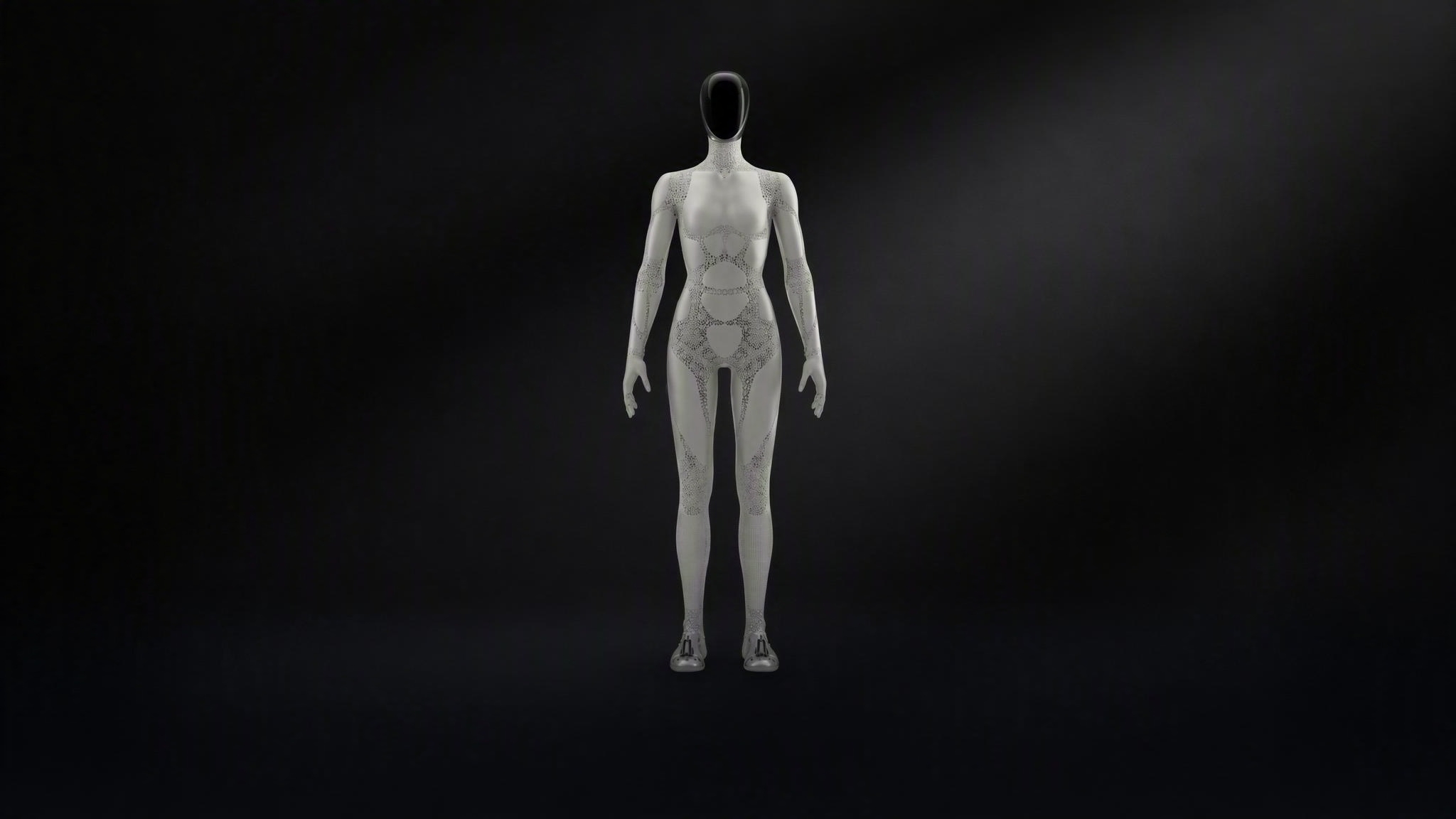
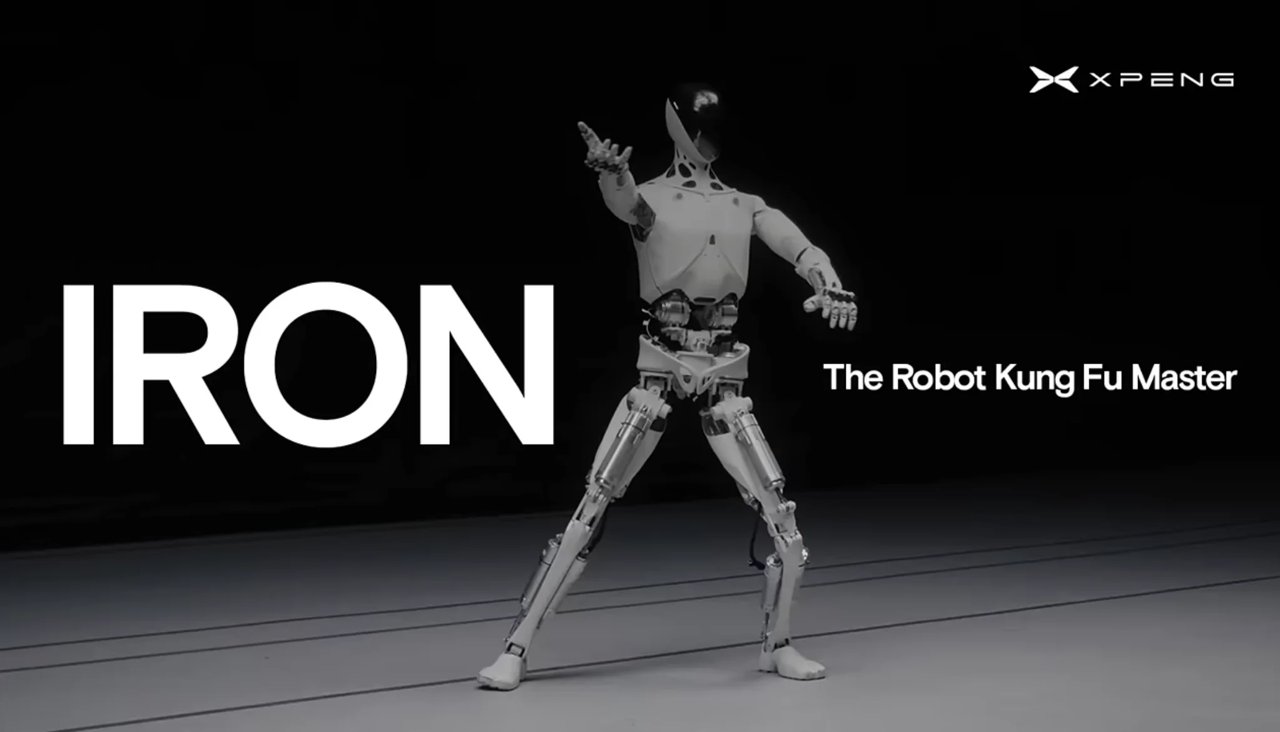
IRON is XPENG’s humanoid platform within its Physical AI and robotics program.

Country
China
Applications
Service · Research
Product status
Prototype

Published specifications for IRON

Not established for this configuration: Height, Mass, Actuated joints, Battery runtime.

Hardware and components

Hands
22 DOF per hand; total body count is not supplied.
Compute
Three XPENG Turing chips.
Sensing
Tactile sensors under a flexible outer skin.
Power
All-solid-state battery described; capacity and runtime are not given.
Torso and shoulders
Bionic spine and four degrees of freedom per shoulder support different approach poses.
Revision evidence
The 25 August 2026 announcement states 21 DOF per hand and 76 for the body. The current hardware page differs; the counting convention or revision is unresolved.

Control and operating conditions

XPENG assigns perception to VLM, decisions to VLT and whole-body control to VLA. A public SDK, ROS 2 interface and operating system are not established here.

Ordering and access

The technology page gives no public robot price or confirmed customer delivery terms.

Manufacturer and development

On 8 September 2026 XPENG reported an IRON unit walking off its Guangzhou production line. The report concerns a factory commissioning milestone and does not state delivered fleet size or customer operating hours.

Questions specific to XPENG IRON

What should a repeated grasp test record?

Vary coffee-cup and small-object position and orientation. Record wrist error, fingertips forces, accepted placements, slips, failed contacts, interventions and control latency under load.

XPENG IRON: Complete buying, setup and programming guide

A complete beginner guide to buying, starting, operating, walking, running, dancing and programming XPENG IRON. Information reviewed November 17, 2026.
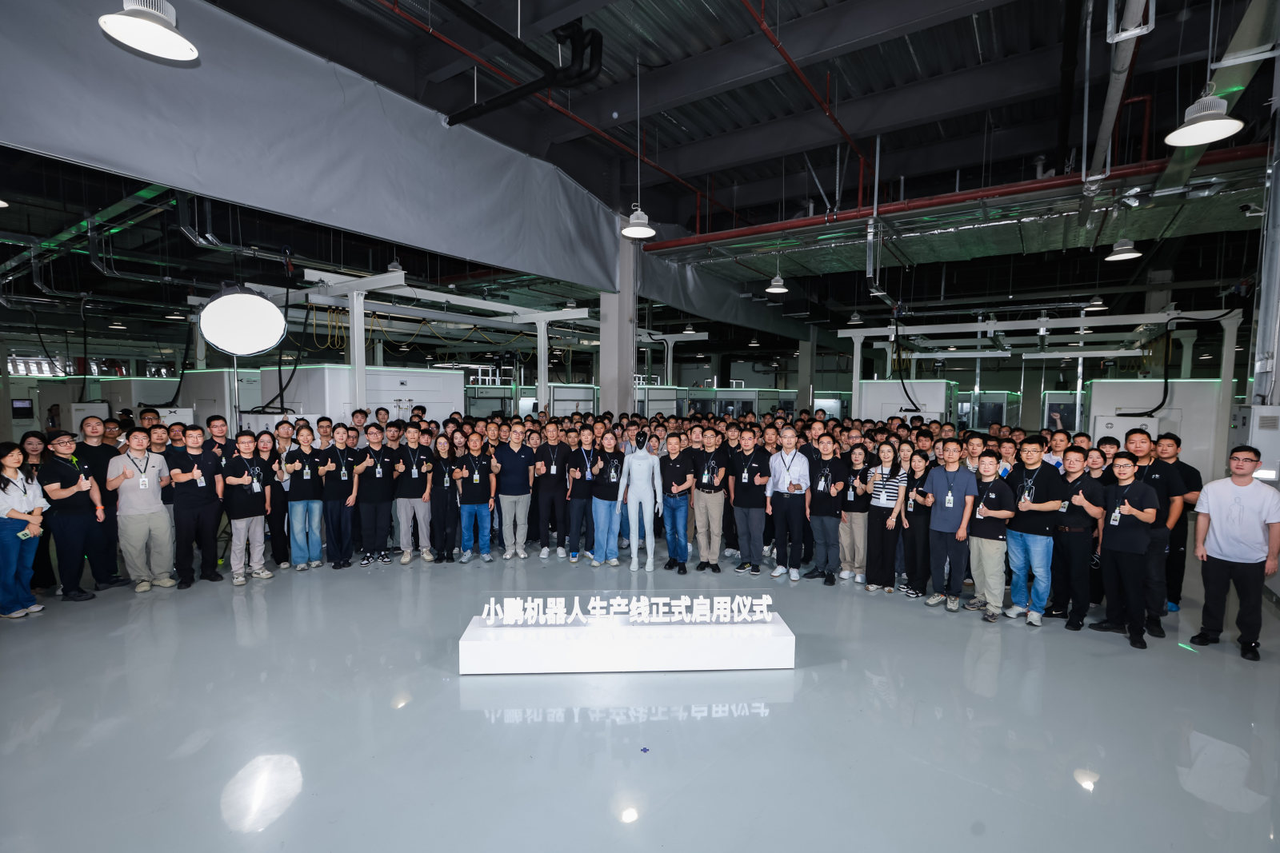
1. What is XPENG IRON?

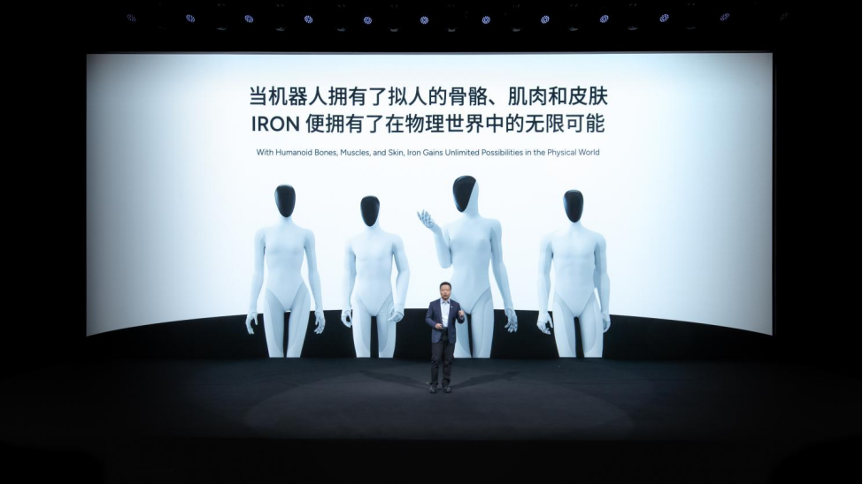
IRON is a humanoid robot developed by the Chinese electric vehicle manufacturer XPENG. It is designed to move in human environments and perform a range of tasks:

  • Welcome and guide customers.
  • Manipulate objects.
  • Prepare coffee.
  • Walk on two legs.
  • Dance and perform Tai Chi movements.
  • Assist humans in professional environments.

XPENG also draws on its autonomous driving experience to develop the robot’s artificial intelligence.

2. Who created XPENG IRON?
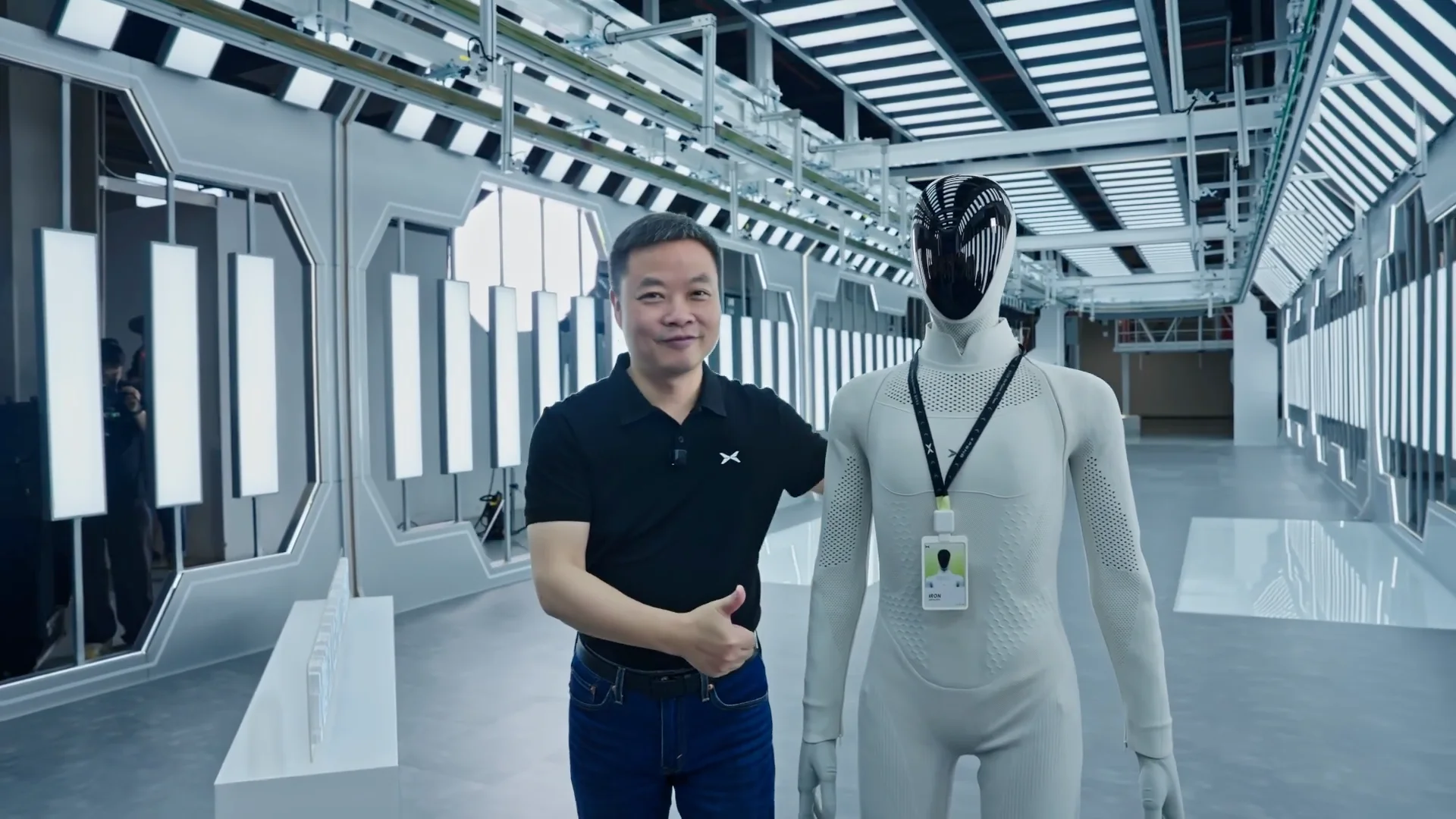
Company: XPENG

Co-founder and CEO: He Xiaopeng

Country: China

Headquarters: Guangzhou

Founded: 2014

The first IRON was introduced in 2024. A new generation was unveiled in November 2025 with redesigned mechanical and electronic architecture. The project is developed by XPENG’s robotics and AI teams.

3. Technical specifications

76Degrees of freedom across the body
21Degrees of freedom per hand
2,250 TOPSAnnounced effective computing power
3Turing processors

These specifications correspond to the robot described by XPENG in September 2026. The version unveiled in November 2025 had 82 degrees of freedom and 22 degrees of freedom per hand. The figures refer to different published configurations.

Mechanical architecture
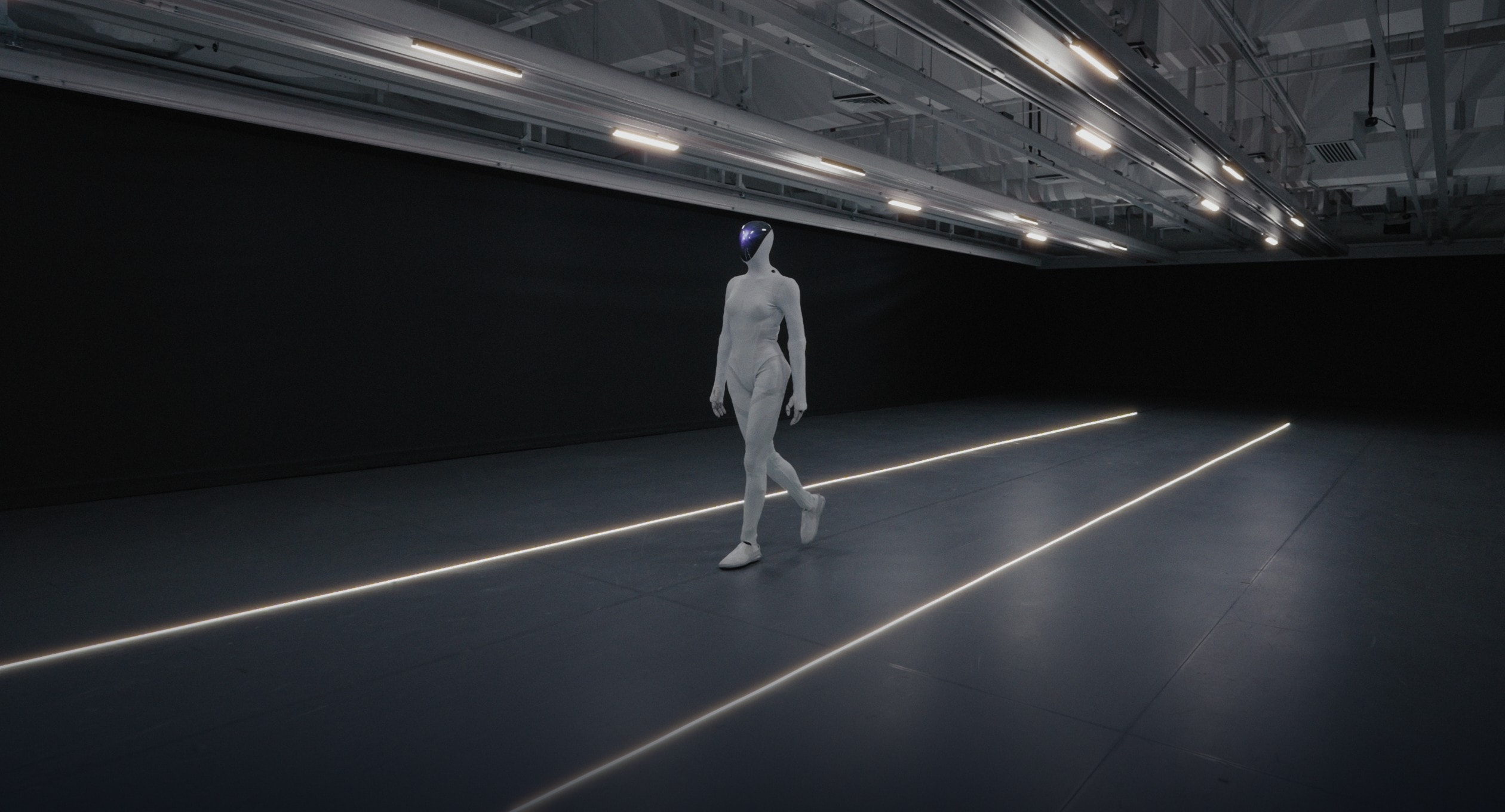
  • Articulated spine.
  • Five-finger robotic hands.
  • Electric actuators.
  • Flexible structure made with a three-dimensional lattice.
  • Flexible skin with integrated tactile sensors.
  • Curved display on the face.
  • All-solid-state battery announced for the new generation.

The bionic muscles presented by XPENG include a soft structure that reproduces human muscular shapes. This is not a claim that the soft lattice itself acts as a powered muscle.

XPENG 2025 AI Day
https://www.xpeng.com/pressroom/news/019a56f54fe99a2a0a8d8a0282e402b7

XPENG September 2026 production announcement
https://www.xpeng.com/pressroom/news/01a080371029a057bc8e8a02a2c6012b

4. How much does XPENG IRON cost?

Not disclosedOfficial price as of November 17, 2026
2027Planned commercial launch

XPENG has not yet published a verifiable public sale price for IRON. Buyers should also budget for possible shipping, training, maintenance, software licenses and installation costs.

5. How to buy and order XPENG IRON
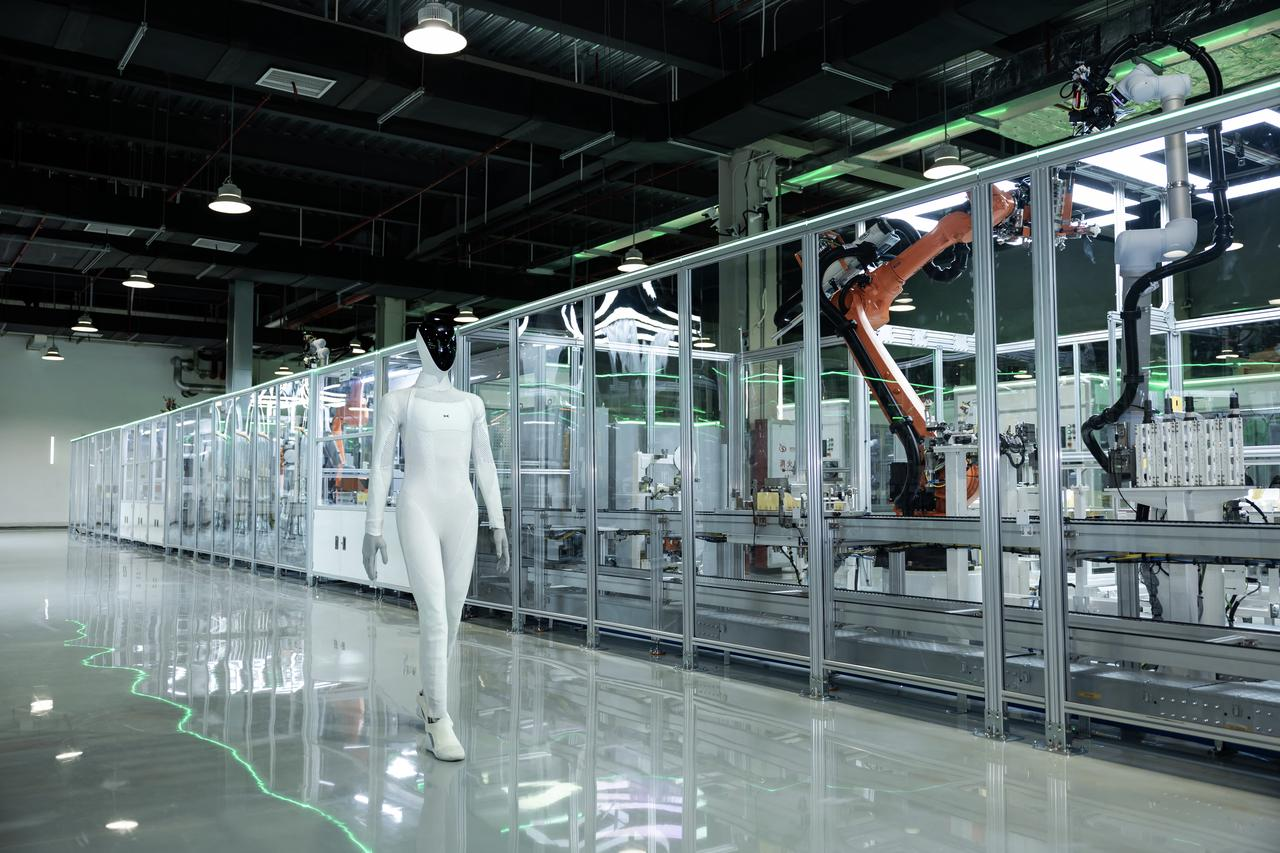
On September 8, 2026, XPENG announced that its humanoid robot production line in Guangzhou had begun operating.

  1. September 2026: First IRON rolled off the production line.
  2. Late 2026: Target for mass production.
  3. First half of 2027: Initial commercial deliveries planned.
  4. Second half of 2027: European rollout planned.

This is the timetable announced by XPENG. Availability in Morocco is still unconfirmed.

To request a purchase:

  1. Visit XPENG’s official website.
  2. Contact the commercial department.
  3. Describe your project.
  4. Request a quotation.
  5. Check the conditions for SDK access.
  6. Confirm delivery and training.

Official XPENG IRON page
https://www.xpeng.com/technology/ai_robot_iron

October 2026 commercial roadmap
https://www.xpeng.com/pressroom/news/01a13d6f788ca12024aa8a02829e0153

6. How does XPENG IRON work?

XPENG uses three families of artificial intelligence models.

Cameras and sensorsVLM: visual understandingVLT: decision and planningVLA: motion controlActuators and joints
Simplified functional diagram of the architecture announced by XPENG.

VLM: Understand what the robot observes.

VLT: Make decisions based on the situation.

VLA: Generate the physical actions required.

These models work with the Turing processors developed by XPENG.

7. What equipment do you need?
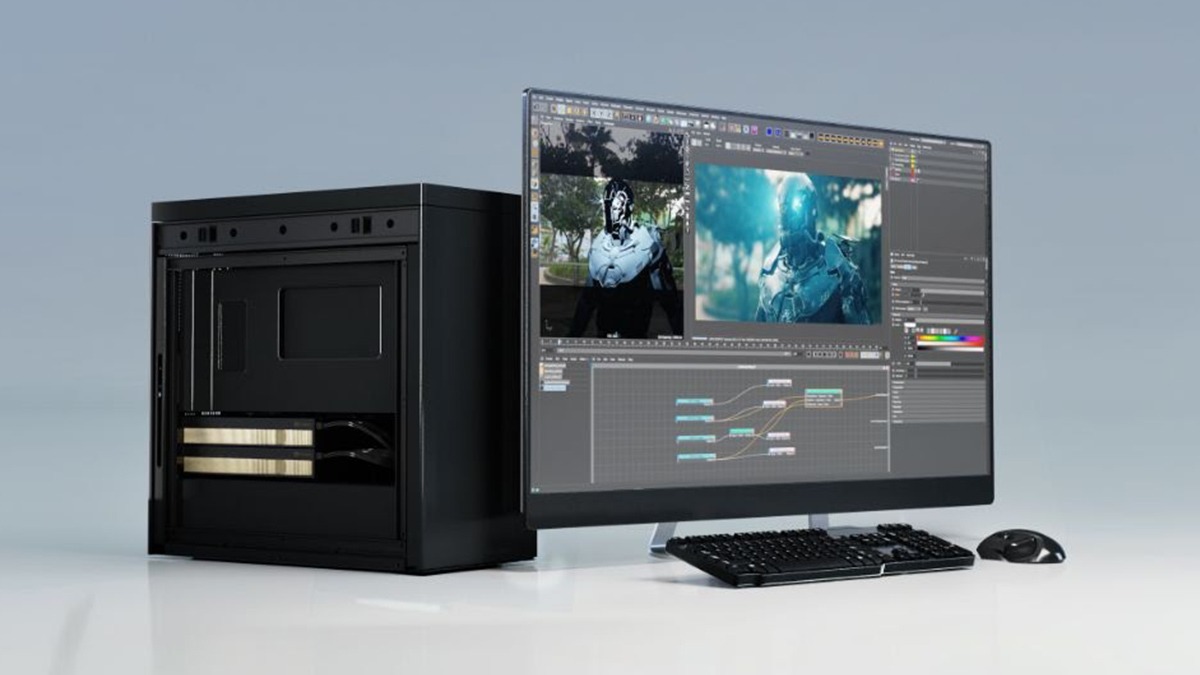
Working on a robot of this category typically requires:

  • A Linux computer.
  • A compatible network connection.
  • The manufacturer’s official charger.
  • An authorized SDK.
  • A simulation environment.
  • A secured test area.
  • Diagnostic tools.

XPENG still needs to confirm the exact list of compatible accessories.

8. How to start XPENG IRON

The customer startup manual is not publicly available. Here is a general humanoid commissioning procedure.

Mechanical inspectionBattery checkPower onSensor diagnosticsJoint calibrationDiagnostics passed?YesNoActivate controllerStop and diagnose
General commissioning sequence. After successful diagnostics, establish a safe standing posture.

The actual procedure must follow manufacturer instructions. A humanoid of this size must not be activated without appropriate safety equipment.

9. How to make XPENG IRON walk
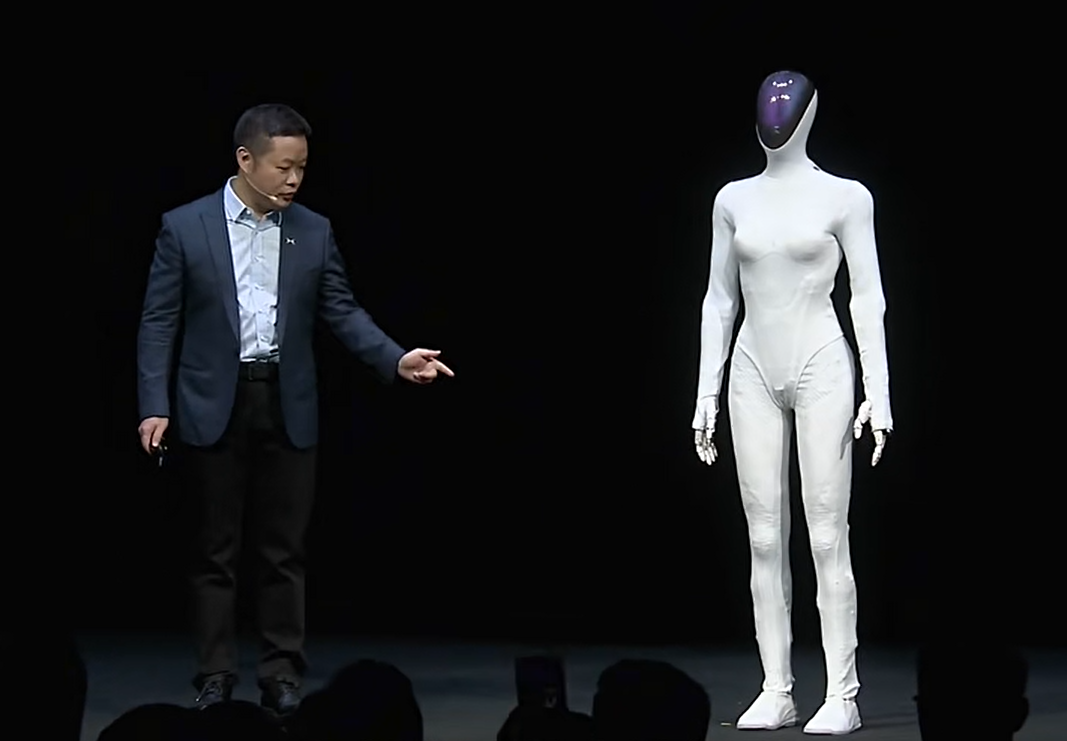
To walk, a humanoid must manage joint positions, balance and contact with the ground at the same time.

Desired direction and speedFootstep planningWhole-body controllerLeg movementSensor measurements
Conceptual closed-loop walking controller. The exact XPENG control interface has not been published.

General steps:

  1. Stabilize the robot in a standing position.
  2. Transfer its weight gradually.
  3. Generate a trajectory for each foot.
  4. Synchronize the hips, knees and ankles.
  5. Correct balance in real time.
  6. Test movement on a flat surface.

XPENG has already demonstrated IRON walking. The corresponding programming commands are not yet publicly documented.

10. How to make XPENG IRON run

To develop running on a humanoid, engineers must work on:

  • Joint speed.
  • Actuator power.
  • Ground impact forces.
  • Rapid foot placement.
  • Dynamic control of the center of mass.
  • Balance recovery.

Training generally starts in a physics simulator.

Digital robot modelSimulation environmentReinforcement learningStability evaluationTests passed?YesNoSupervised validationRepeat training
Conceptual training and validation workflow for running.

IRON’s maximum running speed and access to a running controller have not been confirmed in the public documentation reviewed.

11. How to make XPENG IRON dance
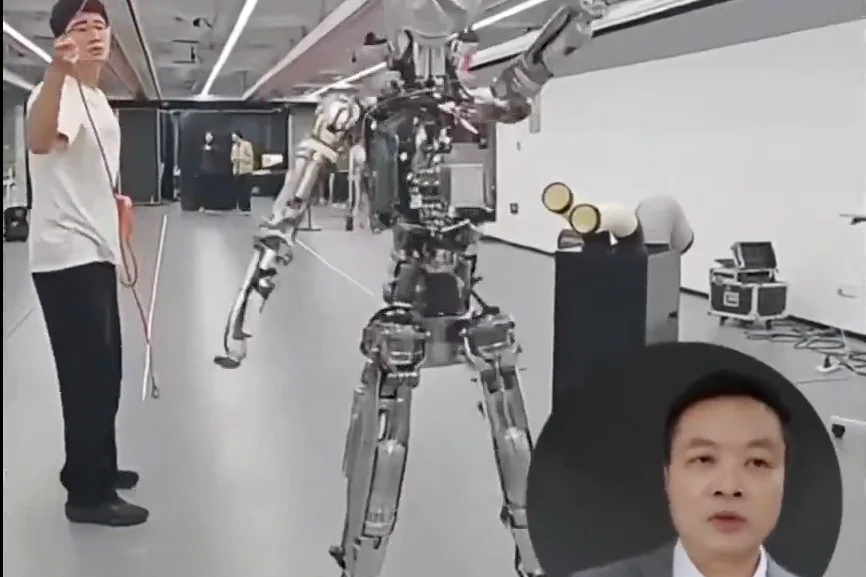
XPENG has already shown IRON performing dance and Tai Chi movements.

A possible method for creating a custom dance would be:

  1. Record a dancer’s movements.
  2. Extract human joint positions.
  3. Adapt the motion to the robot’s morphology.
  4. Correct joint limits.
  5. Test the choreography in a simulator.
  6. Synchronize movements with music.
  7. Execute validated movements on the robot.
Human motion captureSkeleton extractionMotion retargetingSimulation and balanceSynchronized choreographyAuthorized execution
General choreography workflow, subject to the manufacturer’s permitted control interface.

12. Which software to use

These tools are used in humanoid robotics research. Direct compatibility with IRON has not been officially confirmed.

XPENG has announced its intention to open its own SDK to developers.

13. How to start programming now

Even without owning IRON, you can learn humanoid simulation.

Install a Python environment:

python -m venv robotics-env

On Windows:

robotics-env\Scripts\activate

Install the libraries:

pip install mujoco numpy torch

Open the simulator:

python -m mujoco.viewer

Load a generic humanoid model and begin studying mechanics and joint simulation.

Python example:

import mujoco

model = mujoco.MjModel.from_xml_path("humanoid.xml")
data = mujoco.MjData(model)

for step in range(1000):
    mujoco.mj_step(model, data)

The humanoid.xml file must be available locally. This example simulates the robot’s physics without adding a walking controller and does not directly control XPENG IRON.

Resources

MuJoCo
https://mujoco.org/

NVIDIA Isaac Lab
https://isaac-sim.github.io/IsaacLab/

ROS 2
https://docs.ros.org/

XPENG Robotics GitHub
https://github.com/xpeng-robotics

14. Can you develop your own applications for IRON?

XPENG plans an ecosystem in which developers can create their own applications.

Possible projects include:

  • Reception assistant.
  • In-store guide.
  • Object manipulation.
  • Industrial inspection.
  • Voice interaction.
  • Presentations and choreography.
  • Embodied AI research.

XPENG plans commercial applications in its stores and industrial experiments with Baosteel. Individual purchase, final price, programming conditions and full SDK access remain unconfirmed before commercialization.

How to install the software mentioned on this page

Choose only the tools required for your project. The commands below describe development and simulation setup, not proof of compatibility with a specific physical robot. Match the versions in the original project and test offline before connecting hardware.

Python Windows, macOS, Linux

Install the Python release required by your robot or library. On Windows use the official installer; on Ubuntu use the distribution package. Create a separate virtual environment for each project.

Installation / setup commands

python -m venv .venv
# Windows PowerShell:
.\.venv\Scripts\Activate.ps1
# Linux or macOS:
source .venv/bin/activate

Verify the installation

python --version python -m pip --version

Official instructions: https://www.python.org/downloads/

MuJoCo Windows, macOS, Linux

Create a Python virtual environment and install the official Python package. On macOS use mjpython for the interactive viewer when required.

Installation / setup commands

python -m pip install mujoco

Verify the installation

python -c "import mujoco; print(mujoco.__version__)"

Official instructions: https://mujoco.readthedocs.io/en/stable/python.html

NVIDIA Isaac Lab Supported Linux or Windows configuration

The following is a version-pinned example for Isaac Lab 2.3.1 with Python 3.11. Check the matching Isaac Sim release, supported GPU and operating system. Install the compatible PyTorch build for your computer using the same version's documentation. For other releases, follow their own installation guide.

Installation / setup commands

python -m pip install --upgrade pip
python -m pip install "isaaclab[isaacsim,all]==2.3.1" --extra-index-url https://pypi.nvidia.com

Verify the installation

isaacsim

Official instructions: https://isaac-sim.github.io/IsaacLab/v2.3.1/source/setup/installation/isaaclab_pip_installation.html

ROS 2 (Jazzy example) Ubuntu 24.04 for Jazzy; other distributions have different instructions

On Ubuntu 24.04 first configure the official ROS apt repository using the documented ros2-apt-source procedure. Then install Jazzy desktop. Use the distribution required by your robot; for example Humble normally uses Ubuntu 22.04.

Installation / setup commands

sudo apt update
sudo apt install ros-jazzy-desktop
source /opt/ros/jazzy/setup.bash

Verify the installation

ros2 --help

Official instructions: https://docs.ros.org/en/jazzy/Installation/Ubuntu-Install-Debs.html

PyTorch Windows, Linux, macOS with supported Python

Use the official installation selector for your OS, CPU or CUDA/ROCm version. Run the exact command it produces inside the project's environment. Do not assume that a CPU wheel has GPU support.

Verify the installation

python -c "import torch; print(torch.__version__, torch.cuda.is_available())"

Official instructions: https://pytorch.org/get-started/locally/

NumPy Python environment on a supported OS

Use the Python version supported by the project.

Installation / setup commands

python -m pip install numpy

Verify the installation

python -c "import numpy; print('Import OK')"

Official instructions: https://numpy.org/install/

C++ toolchain Windows, macOS, Linux

On Ubuntu install the compiler and build tools; on Windows install the C++ workload for Visual Studio Build Tools or the toolchain required by the SDK. On macOS use the required Xcode Command Line Tools.

Installation / setup commands

sudo apt update
sudo apt install build-essential

Verify the installation

g++ --version

Official instructions: https://gcc.gnu.org/

Manufacturer SDK / robot software Exact robot model and firmware version

Check whether the manufacturer provides a public SDK or a licensed developer package for this edition. Obtain the matching release and installation manual from the manufacturer. Install its documented dependencies in an isolated environment and run the offline import or simulator check. Do not flash firmware or send motor commands during installation.

Verify the installation

Confirm supported model, OS, SDK and firmware version. If no public installer is documented, request developer access from the manufacturer.

Official sources

Published specifications and demonstrations are manufacturer claims, not independent comparative tests.

  • IRON next-generation hardware and applicationsChecked 10 October 2026
  • XPENG IRON production-line announcement, 8 September 2026Checked 13 November 2026
  • IRON specifications and production schedule, 25 August 2026Checked 10 November 2026
Browse the robot directory ↗

IRON: buying, commissioning and lifetime support

Use this ownership checklist alongside the detailed technical guide. Product claims and original profile data are distinct from the suggested acceptance tests. Additional official sources consulted on 24 November 2026 where available.

ItemExisting configuration record
ConfigurationNext-generation IRON
Commercial statusPrototype
Price and ordering recordThe technology page gives no public robot price or confirmed customer delivery terms.

Where to buy and what the price includes

XPENG’s production announcement does not constitute a universal retail price. Request the business deployment configuration and service terms from XPENG.

Official sales / product information

Request an itemized landed cost: robot and options, charger and spare packs, shipping, import duties, commissioning, software subscription, staff training, spare parts and service. Confirm currency, region, warranty exclusions and acceptance terms in writing.

Installation, software and first commissioning

XPENG describes a VLM, VLT and VLA architecture for perception, decision and whole-body control. Public architecture descriptions do not establish public SDK or model weights.

Operational signal path (conceptual); not a manufacturer circuit diagram.
  1. Sensors and joint feedback
  2. State estimation / task control
  3. Approved motion controller
  4. Actuators and end effector
  5. Measured task result

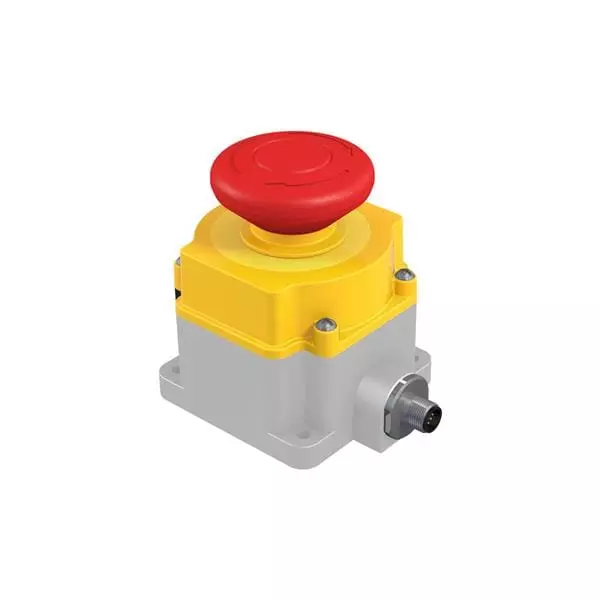
Feedback, fault detection and the approved stop function constrain the command path.

On delivery, match serial number, options and manual; inspect for shipping damage, prepare the manufacturer-approved workspace, verify stop functions with the installer, connect only the documented controller and establish a read-only diagnostic baseline. Perform the first motion under manufacturer supervision where required.

Firmware and software updates

Use only the vendor’s version-specific release process when available; distinguish manufacturing announcements from owner update instructions.

Official documentation / releases

Before changing versions, save calibration, configuration, task scripts and logs where export is supported. Review compatibility and recovery policy, schedule downtime, maintain the required power and network conditions, and test the same approved task after the update. A downgrade is only appropriate if supported by the vendor.

Battery, charging and usable service life

The next-generation product page describes solid-state battery technology; do not infer cycle count or runtime from energy-density claims.

Official power or product record

Battery cycle life and robot service life are different. Equivalent full cycles (EFC) can be estimated as cumulative discharged energy (Wh) divided by initial usable pack energy (Wh). State of health (SOH) is measured usable capacity divided by baseline usable capacity × 100%, under comparable conditions. Example only: 1,800 Wh discharged from a 600 Wh reference pack equals 3 EFC; neither number is a specification for this robot. Ask for the manufacturer’s cycle rating, temperature limits, capacity-retention criterion and warranty. Do not use an arbitrary percentage as a replacement threshold.

Maintenance and common failure checks

WhenInspection and evidence
Before operationInspect soft skin, hand contact wear and joint feedback under repeated tasks. Ask for replacement-part availability and test evidence for the delivered version.
After a fault or impactDo not restart a damaged robot. Capture fault code, timestamp, joint feedback and power state; have the vendor identify the cause before clearing faults.
After software or parts changeRecord versions and replaced part serials; compare the same approved test with the earlier baseline. Stop on new errors or unexpected movement.
At manufacturer service intervalsUse the documented interval and authorized service procedures. No universal calendar or lubricant is assumed.
At end of serviceAsk about spare-part availability, data removal, battery take-back and local electronics recycling.

What is still missing before purchase

Confirm the battery cycle rating, warranty and service life for this exact serial-numbered configuration, along with spare-part lead times, repair turnaround, supported software versions and end-of-support dates. These are procurement questions, not invented published values. Record the actual task success rate, intervention count and productive hours in your acceptance trial.